




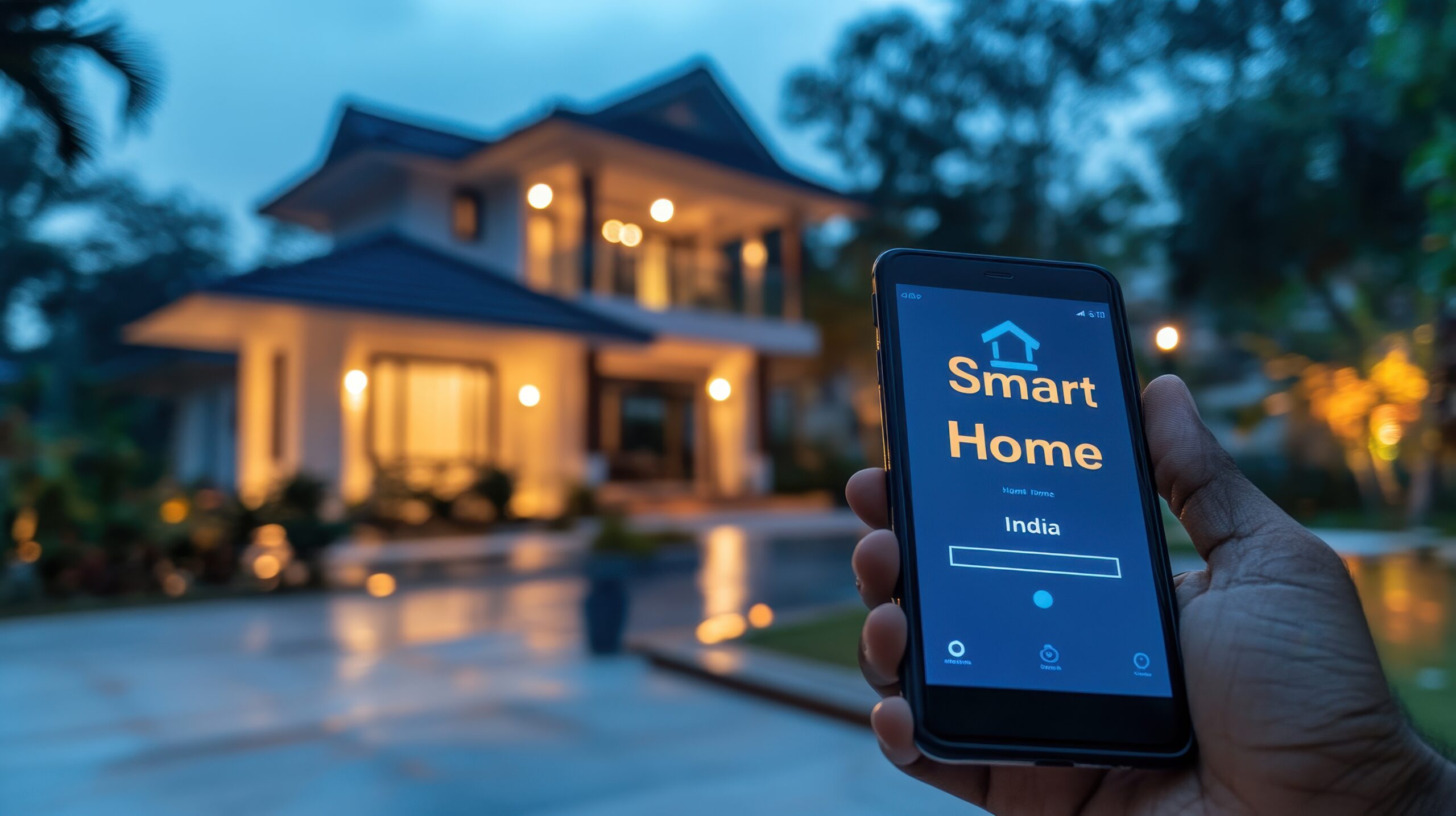

The term “smart home” refers to a building typically a residence that has installed technology to automate and monitor remotely various functions throughout the home. Most people picture a smart home as futuristic, like the Stetsons or Jarvis in Iron Man. It does not begin that dramatic or require a large budget. Click this link if you want to see more information about what is a smart home.
With sufficient budget and a luxury property, you can experience a smart home fully. Be prepared to hire an IT professional to maintain, upgrade, and troubleshoot the installation and usage. It mirrors hiring a professional landscaper for your yard. For this type of experience I would suggestion solutions like Josh AI. Josh AI functions as the brain of a completely integrated system control, monitoring, and optimizing everything from cameras to appliances to smart speaker to lights…and so much more.
Most of us do not need or want something like Josh AI. So let’s first figure out if you even want smart technology in your home, what do you consider an improvement, and what are the risks you add when adding this technology into your daily life.
- Step 1: Make a list of what you find irritating about your home. Do not worry about if smart technology can solve it. Just make a list of stuff that drives you nuts.
- Step 2: Go through that list and sort it in order of most to least annoying/impacting to your life.
- Step 3: Look at each items and see if there is a technology solution to the problems. Some examples are:
- Problem: My electric bill is way to high.
- Problem: I hate how dirty the light switches get in the kitchen or bathroom areas because of wet, dirty hands.
- Problem: I would like to have the ability to have high quality sound throughout my home. I want my setup to include both indoors and outdoors, the ability for different rooms/zones to play from different sources simultaneously or all the same and in some rooms I want to to hook up/connect to the TV screen.
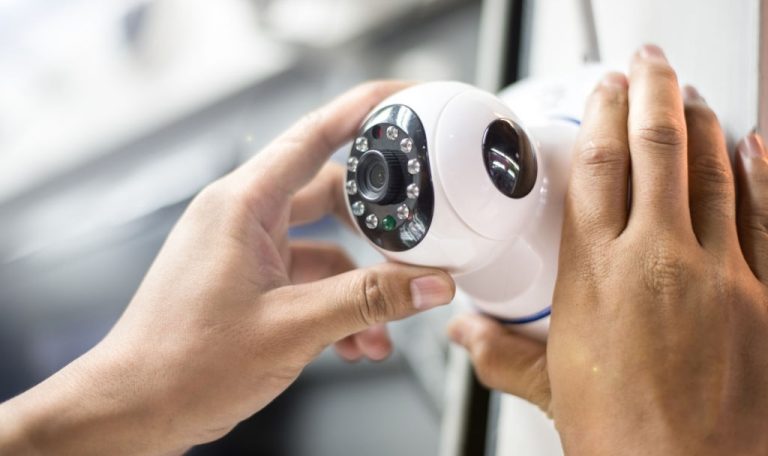
- Problem: I want outdoor cameras tied to motion activated lights that I can see from my smart phone even when I am not home.
- Problem: I hate how large/big/heavy my key ring is and how many different keys (or codes) I need to access all the doors and/or gates of my home.
- Problem: I want a dishwasher that really cleans dishes, doesn’t require an engineering degree to load it so everything fits, and doesn’t “stink” if you forget to keep the door cracked so it can dry the inside of the machine.
- Step 4: Sit down with someone like myself who understands technology and traditional home products to find the RIGHT solution(s) for your concerns and budget.
- Step 5: Review the pros/cons a various solutions and how those solutions impact solving other problems/concerns in the future. For example: A specific solution for the dishwasher probably involves a particular brand. Even if your concerns about your washing machine is not as pressing, you want to consider how going with a particular brand for the dishwasher may or may not impact your potential future solution for the washing machine.
- Step 6: Implement!!!!
Now that we know what we want to solve for let’s talk about what some of these solutions involved and how smart home technology might be the right answer or not. Looking at the first problem, my electric bill. We need to establish what is driving your electric bill. In southern California, probably your AC usage or other high demand appliances like your dryer are causing most of the cost. If that is the case, we now look at how to solve it other than doing things like, cut back on using AC or other high demand appliances. If AC is the problem, my first questions are:
- What is your current AC unit specifications?
- What is the insulation in your home?
- Are you on an Time of Day (TOD) rate plan and does that make sense for your lifestyle?
- What kind and age are the windows in your home?
- Where is the theromostat located?
As you can see from looking at this list, not every AC concern involves smart technology. You need to review the pros/cons of each item to determine what is the best combination of solutions. If you have really old windows with little to no insulation in your easily accessible attic space, the best solution may be to upgrade your home insulation and replace windows. If your AC is really old, a newer model combined with a properly located smart thermostat may give you the best results for the price. Sometimes increasing technology or complexity of the items in your home is not always the solution that provides you with the best experience.
Smart home technology shines when you want to increase automation. It can help you integrate items to work together and provides remote control or access when you are not onsite. Skylights capable of opening/closing and coordinate with your HVAC system, whole house fan, various sensors, and other systems is just one example of how smart technology can work in concert.
Give me call and your list or specific home problem and I’ll help you find the “RIGHT” solution!