Home/Gate Locks — Smart or Not?

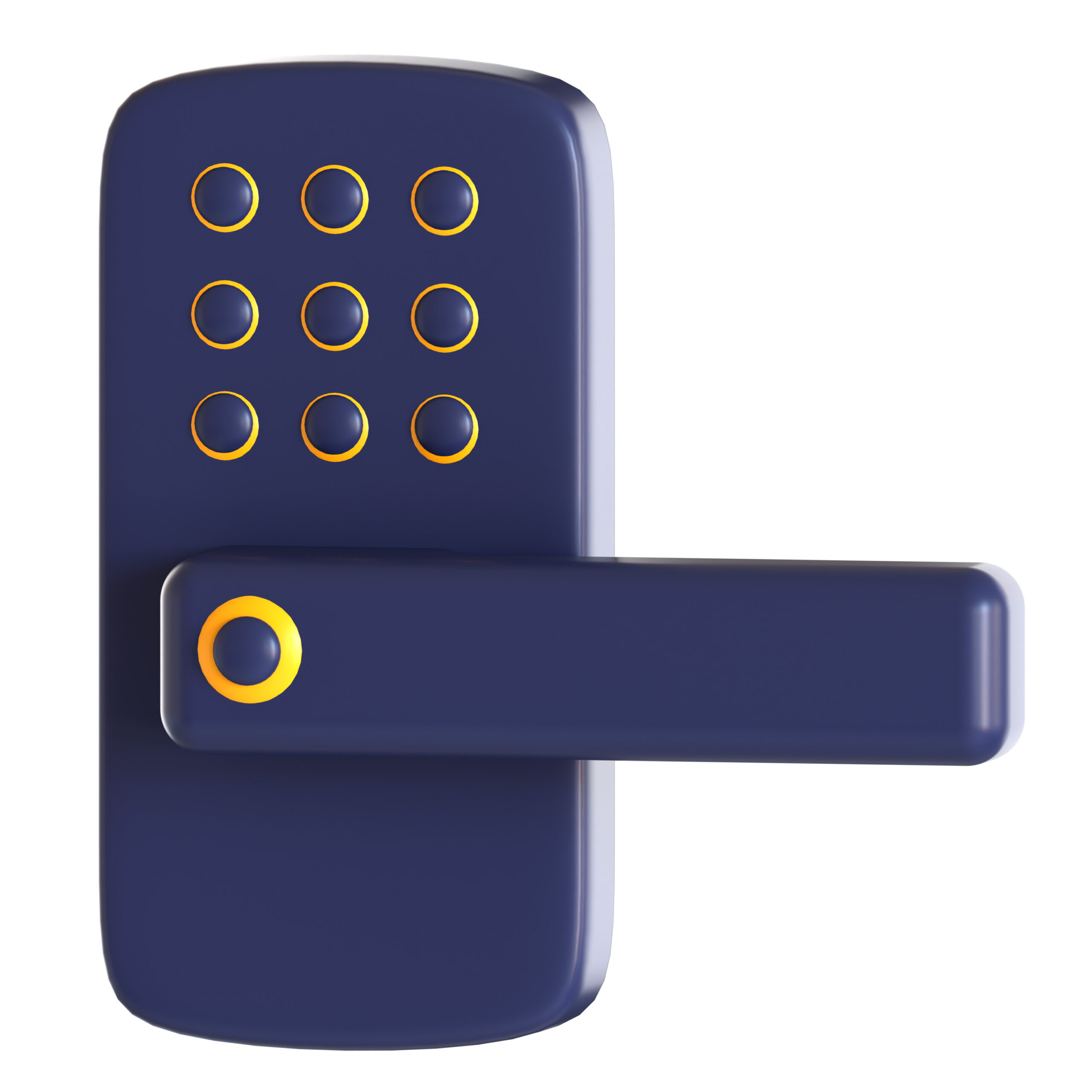
When consider installing or replacing existing locks on doors or gates, you should consider some features for smart or very not smart solutions that don’t require a key! Smart locks have one universal issue…power. Most of them have batteries that are very long-lasting, but at some point, you will probably be trying to enter your home, and it will not work because the battery is too low. At a minimum, you should not consider any smart lock that doesn’t have a key bypass override. Proactively replacing/charging batteries on a set cycle is also a best practice. Most smart locks include a phone app that allows you to set up more than one code, so you know who is coming and going. This is particularly good if you want to give a “worker” something temporary and not the easy to remember code you use for yourself.

Some options are:

Some Patio Door Options:

Some Gate Options:

Now, if you want to go “old school” but hate having to carry keys, you should consider a keyless mechanical lock. No battery issues here. No connectivity issues. Complete privacy.

Give me a call/text/email if you want some help finding the right solution.

Laptop Bags — What To Consider

If you have a laptop (including most tablets) you need to have a good bag/case to carry it. A bag needs to be strong/thick enough to protect your laptop. Looking good, being a convenient size/shape, etc…. doesn’t matter if your device is damaged while in the bag. The bottom of the section that holds your device can be reinforced with a piece of high-density form, which will help cushion your device every time you set down your bag. The straps and handles need to be strong enough to handle the weight. You do not want the strap to fail and cost you a laptop as well.

Consider using a “laptop sleeve”. This is a small case that you put on the laptop first, then put it in your bag. It gives your device just a little more protection AND a wonderful solution for when you suddenly must “check” a bag but still want your laptop. A sleeve is not enough protection on its own to prevent damage if you drop it, but short of that will give you protection for bumps and scrapes. Combined with a good bag, it can really save your laptop.

When picking a bag, make sure you get the correct size. You want your laptop to fit securely, but not so tight that you have to “fight” to get your device in the bag. For a typical 12–13″ laptop and using a sleeve, I would get a bag rated for 15″ laptops. Make sure you consider side USB ports. If you want to leave a mouse USB receiver plugged in, you will need another 0.25” of horizontal space to ensure your bag is not damaging the laptop over time by putting pressure on that port.

Laptop or Tablet Bag Options

Give me a call/text/email if you need some help getting the right bag for your device and needs.

Induction Ranges — Pros and Cons

The latest in cooking stoves or ranges is induction. It requires approximately 30% less energy than electric and 80% less energy than gas. It heats up faster than gas, but never creates a safety issue with out-gassing toxins or hot surfaces. Because the cook surface has no openings and is smooth (typically made of tempered glass), clean-up and maintenance are a breeze.

The most telling drawback is all your cookware will need to be replaced with induction cookware. Your pots and skillets will need to be compatible with the electromagnetic fields in order for heat to generate. This cost typically can be offset by the various government rebates and subsidies, even before considering the energy savings.

Some cooking options are:

Some cookware options are:

Give me a call if you have questions about induction cooking and would like to make this upgrade in your home!

Browsers — What Are They and Which One Should I Use?

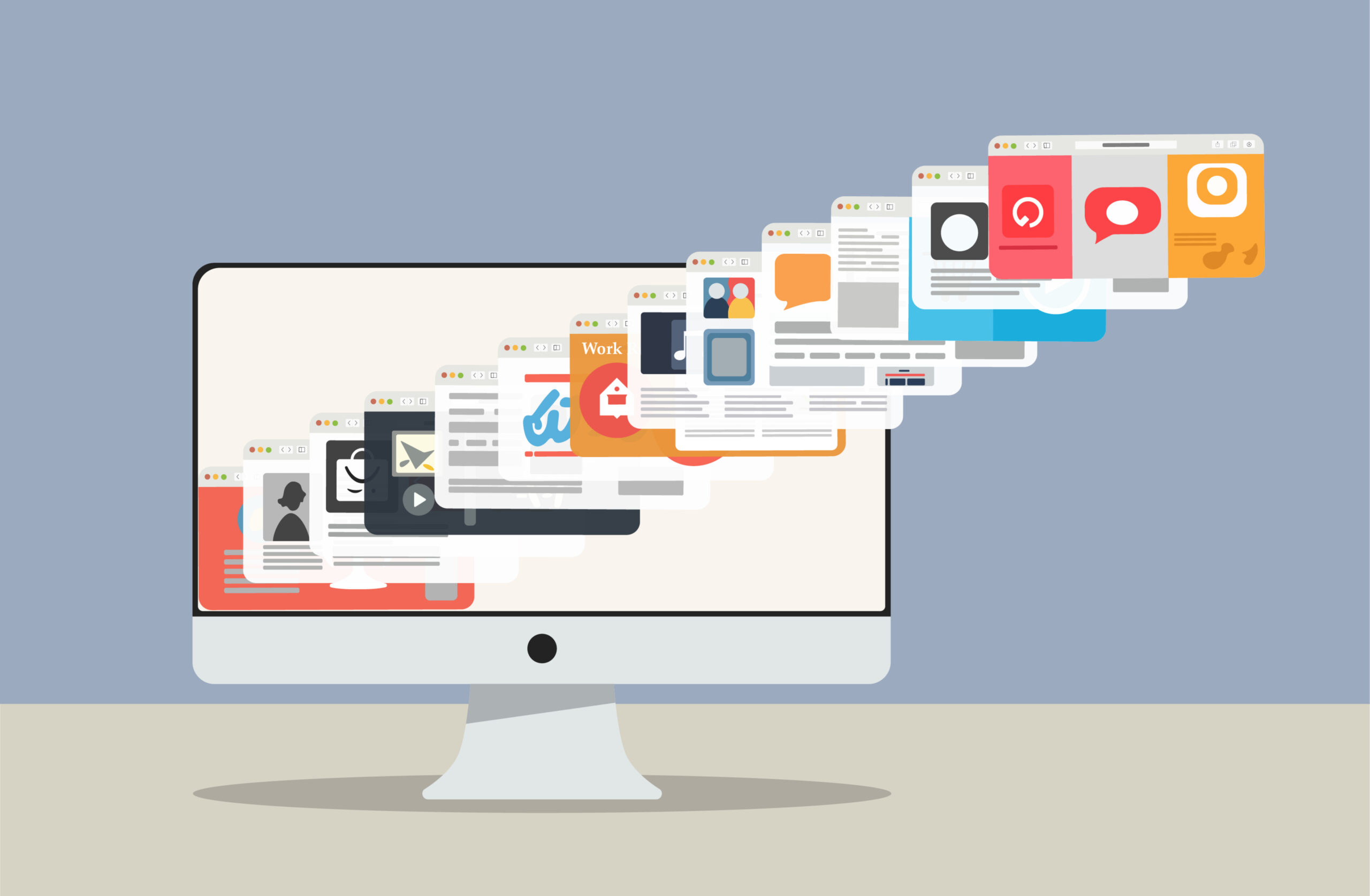
Browsers are applications that are used to navigate the internet. Think of the internet as a highway system or network of roads. Various websites and domains are the destinations you reach when you use this road system. Browsers are the “vehicles” on the roads. Just like vehicles have different purposes and features……browsers do too. Some are better a privacy protection, some are faster, some handle graphics better, etc.….

The most common browsers are the default ones that come with your operating system. Apple users therefore tend to use Safari and Microsoft users tend to use Edge (formerly known as Internet Explorer). Because of Google’s relationship with Android, and it’s search engine, Chrome is very well known. Some lesser-known options are Firefox, Opera, Vivaldi, Netscape, AOL Explorer, SeaMonkey, etc….

Everybody should have at least 2 browsers on each of their devices. If one is damaged, you most likely will need to “use your car” to “go get a repair”. If you don’t have another browser to use, that can be really difficult.

For the average end user, FireFox is a good alternative because if one of the big three are not working, it is built differently and typically will work without issues. What browser you should be using really depends on end user usage and preferences, what software you are already using, and the hardware involved. There is no one right answer. Give me a call if you need some help making an informed decision.

Monitors — Features to Consider

Your monitor will have a huge impact on how much you enjoy/tolerate using a computer. You do NOT need to be a “gamer” or “high-end user” to benefit from a good monitor.

If you are experiencing any issues with your eyesight, including those related to aging; you need to consider a large monitor. If when you use a computer, you typically involve multiple screens, a large monitor will significantly improve your productivity. If you are sitting at a desk or table and using your laptop screen, you need to invest in a monitor. I have had multiple clients that really didn’t think they wanted/needed a large screen and after purchasing one (typically during a laptop/computer refresh) it was more impactful than the increased computing performance.

Some large monitor options:

You can use a standard TV as a monitor but remember while it is large it does not have the resolution that even an inexpensive computer monitor will have.

Using multiple screens can be a huge advantage and are frequently used by “geeks”. If you are uncomfortable with computers or technology, you will find a single large screen to be much easier to navigate.

Give me a call if you would like some help finding the “right” solution for you.

Home or Office Air Filters

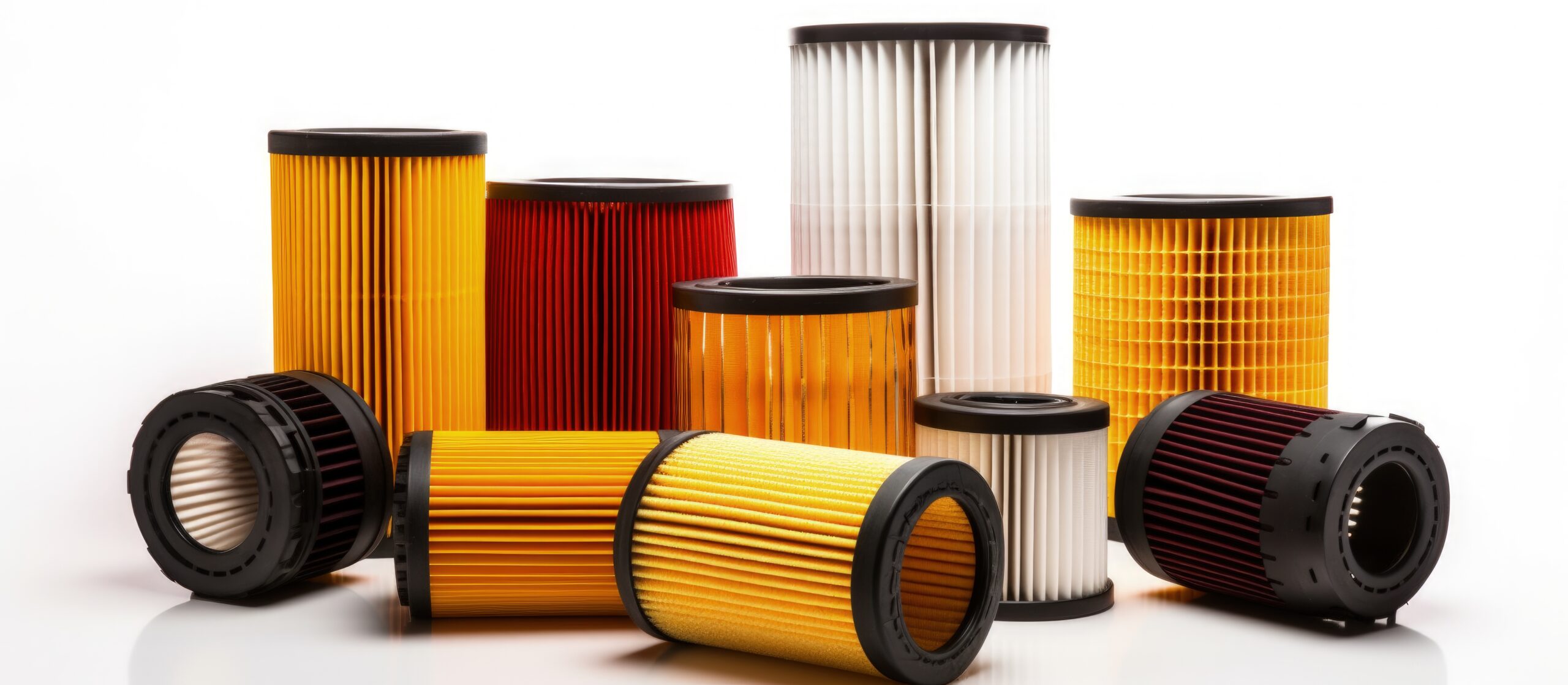
Anyone tired of “dusting” your office space…. Or sneezing every time you try to work on your computer? The cooling fans for CPUs result in ionization. The result is not only are they sucking in air, but they then ionize the dust particles, so they stick together and become heavy when exiting the computer. This results in dust accumulating around your computer equipment. Not only can it be a health hazard but over time it will degrade the cooling functionality of your computing equipment and if in dusty/pet hair heavy environments can result in damage or decrease life for the computing equipment.

Solutions

At a minimum, your home/office area should have regular cleanings of the HVAC filters and potentially have a whole house/office filter installed. In addition to that, you should consider adding additional local filter units in heavy computer areas or if you have allergy or pet hair issues. Talk with your local HVAC contactor for a whole house air filter solution. Here are some various room/area specific solutions that vary greatly in price and features. Remember, HEPA filters typically remove dust size particles and larger from the area. They will need to be changed regularly to be effective. If you have vaulted ceilings, you will need to double the SQ footage of cleaning power to cover the same size rooms, since it will have a significantly larger quantity of air to clean.

  • Gold standard (and expensive) solution: IQAir — https://a.co/d/agTV3zU. This model is about 3 feet tall and takes up about 1.5 × 1.5 feet SQ. The filter life is measured in months, even if you use it 24 hours a day. It has 3 filters — pre-filter, carbon odor filter, and high-quality HEPA filter. The filtration is small enough to even remove some airborne viruses/bacteria. Because of the different fan speeds, you can ramp up/down the performance based on your needs, including a very quiet mode at night when you are trying to sleep.
  • Solid room filter: GermGuardian — https://a.co/d/hVQ0cc4. Solid HEPA filter that is significantly smaller/cheaper than IQAir but handles a much smaller area and the filter must be replaced more often.
  • Room/air filter: Winix — https://a.co/d/d7WRwA7. Winix has been around for a long time, and therefore you are likely to find replacement filters even years later.
  • Desktop filter: AirTok — https://a.co/d/3y9bsAf. Excellent model to place right next to your computing equipment. This will greatly minimize the amount of dust resulting from the computer equipment ionized air. It has the ability to add “scents” to a pad, thereby resulting in a little aroma therapy.

I have asthma, allergies, and pets. My home has an IQAir in the main living space and 3 additional filters in my office space. This is more filtration than most users need, but I am finally not getting headaches by the end of the week due to dust and pet dander in the office. I still clean frequently but no longer feel like my skin is on fire and itchy when sitting near my computer. I also find that the amount of cleaning to keep my computer air intakes clean has just about disappeared!

Programmable and Universal Remotes

Almost every device seams to have a remote controller. Unfortunately, almost all of us have experienced expensive remote replacement costs or complete remote meltdown (i.e., don’t know which one to use for a specific task). A programmable remote or a universal remote may be the best solution.

If you have kids or a pet, I HIGHLY recommend you get a cheap universal remote for day-to-day control of your TV, audio, etc… systems. Typically, for functions like power on/off, volume up/down, change channel, etc… a universal remove works just fine. Only when you want to use brand/device specific feature or a more complicated task, the brand specific remote would be necessary. Some options are:

Programmable remotes typically are not cheap but can greatly reduce the complexity of a task. They can be programmed to perform a series of tasks across multiple remotes/devices in a specific order. For example, a single button could be setup to Power on TV, Audio, System, and Blu-ray player; set TV source to HDMI 1, set volume control to Audio device, and eject/open blue ray player. At this point, with a single button, you are ready to drop in your Blu-ray disc and hit play. Before, you would have had to use 3–4 remotes in a specific sequence to accomplish this task. Some options are:

Most users will need some technical help with setting up programmable remotes. Give me a call if you have any questions or need assistance.

PDF — What Is It and How or Why I Should Be Using It

The PDF file type stands for portable document format. The most important consideration of .pdf files is the fact that it is the international standard (ISO 32000) for electronic document and archiving file format. This means that years from now as applications change, data saved as a .pdf will still be readable by new applications, among other considerations. The .pdf file format can handle images, links, text features, and is a relatively small file size.

Some usage best practices.

  • If you are saving data from a proprietary application (i.e., tax return program) and done making edits, make sure you store the data as a .pdf. The proprietary program may no longer be available in the future or due to changes be unable to open old files without issues.
  • Email — most people don’t think about email applications as proprietary, but they are, and they are very poor at data management, archive, or searchable results. Programs like Adobe have the ability to archive multiple emails as a batch job into a single .pdf file that keeps the emails as individual items and makes them searchable. Most email programs have a save as .pdf option. Assuming you already have a folder structure for a client/subject, this allows you to save those critical CYA emails as files in an easily findable location.
  • The Adobe Acrobat programs, Microsoft Office, and many others automatically install a virtual .pdf printer. This allows you to convert any data from a program with a print function to .pdf file format, with the layout and physical formatting automatically matching the original program print command.

Programs for creating and editing .pdf files.

  • Microsoft and Apple Office Programs both have the ability to convert files to .pdf file types.
  • Adobe is the gold standard for a PDF program. The Reader version is free and should be installed on all computers, smartphones, tablets, etc…. If you need some of the more advanced or editable features like encryption, install Adobe Standard or Adobe Pro.
    • Adobe .pdf Binder vs. Adobe .pdf Portfolio — both are great options for archival of multiple files into Adobe searchable .pdf structure, but have different features.
    • Video showing/explaining a portfolio/binder differences. Portfolio maintains native file association vs. a binder which converts everything to .pdf. (Link: https://youtu.be/nBsdNd3_uiE)
  • At a cost savings, multiple off brand options are available but make sure you review the features carefully. Typically, they are less costly because they might only work with an internet connection (i.e., cloud based), features are missing, not as easy to use, or owned/operated by a foreign entity, etc…. Depending on your business, these considerations may or may not be acceptable. Here are a few options:

As a best practice, I like to work my emails in subject related folders within the email structure. Upon completion of the project or during an annual archive, I will export the emails from an email folder to a .pdf binder or a portfolio (which allows me to keep all the attachments intact). That file is then saved with all the other non-email files/folder structure of the closed project. This keeps my email clean and manageable in size, retains email data in a file format that supports archive and search features, and allows typical backup file practices to capture former email content without needing any special actions/steps.