Setting Up Your Folder/File Structure for The New Year

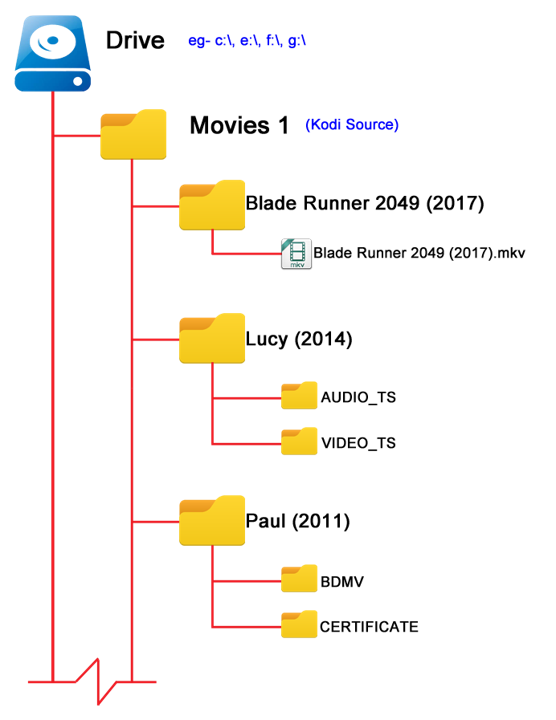
When you create your folder/file structure, PLEASE make them in a naturally archiving structure! What does that mean? For example, most people have a folder called clients and inside that folder they have a folder for each client. Here is the problem. Every time they want to clean out older data, they have to open each folder and remove the older content. Instead, set the structure up like this:

Each Year — Clients — Folder for each client……

Now what will happen is that each year as we approach January, you will create a new year folder and client folders as you need them. The power of this system is 7+ years out when you decide to prepare for the next year, you just grab the oldest year and hit “delete”. So for example I am setting up my 2026 Client folders. I create my 2026 folder, then create folders for my most common/reoccuring clients. As I create my client folders there is some “timeless” data I will copy over (i.e. their logos for example) for each client. This means when I want to delete the oldest folders, I don’t have to worry about loosing data I need for current work. I don’t have to spend hours going through old folders trying to thin out old content.

From a risk management point of view you DO NOT want to keep data you do not need. If you are ever compromised and have client data, you face legal/financial complications related to identity theft for each client involved. If you have lots of data/files and therefore cannot find when you need quickly that completely defeats the purpose of keeping the data.

Give me a call/text/email if you would like some help designing a structure that is easy to maintain, doesn’t have file names too “long” for the backup systems to automatically capture, and drastically reduce your risk if security is compromised.
Upgrade your Outdoor Lighting using Smart Technology!

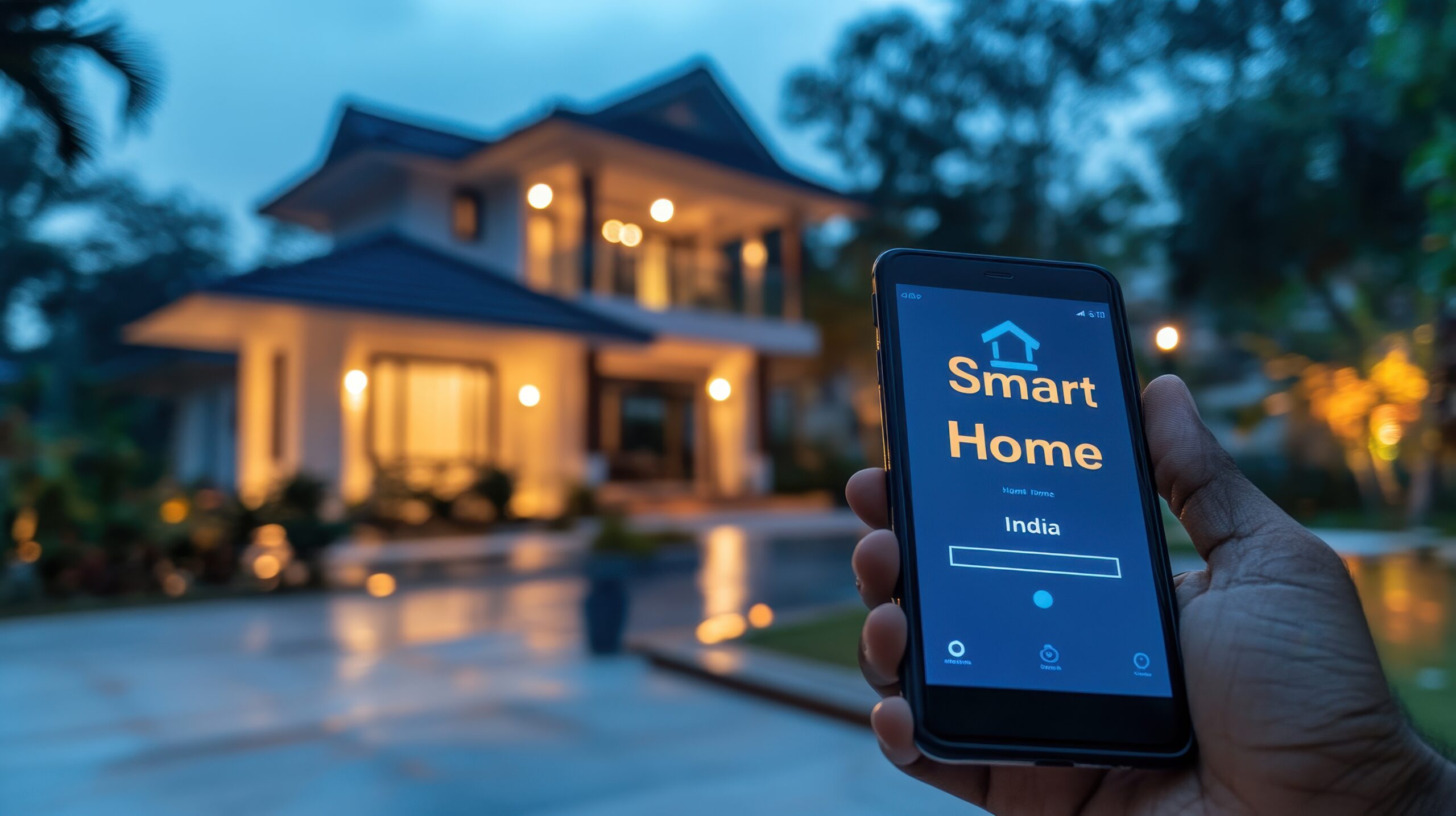
Are you thinking about adding some outdoor lights to your home? Have you considered if they are going to be controlled by a good old fashion switch or maybe a timer? What about using smart technology? The first question is — Why? What is the advantage to using smart lighting features instead of just a simple on/off switch.

  • Energy Costs — only having the lights on when you need it saves money!
  • Safety — something as simple as having multiple lights come on when a motion sensor activates can make all the difference in preventing theft and other property damage.
  • Convenience — almost everyone has at some point run around the house, flipping various switches to turn lights off. If you had them tied to smart controls, the “switch” could be in your phone (which is typically on you) and can perform more than just on/off.
  • Integration — The real power comes from integrating the lights to other systems. The most obvious one is your outdoor cameras. The motion sensor at the front of the house trips; now the cameras start, the lights at the front and either side of the house come on, etc…. If I am a thief, a lot of attention has just been put on my activities, and I’m leaving.

So what are my smart lighting options. First consideration is what do you currently have installed. For example, if you have a Ring or Blink doorbell those systems including outdoor light control and are already integrated together.

Other options with various pros and cons:

The New York Times wrote a pretty good article about some of the various options available! Link: https://www.nytimes.com/wirecutter/reviews/best-smart-outdoor-lighting-for-backyards-pathways-and-more/

Give me a call, and we can figure out what is the best solution for your needs. For some, it will be buying component pieces that can integrate together…especially if you already have some smart technology installed. For others, depending on your budget and what you are trying to accomplish, going with a specific brand of products that are already designed to work together is probably the right solution!