
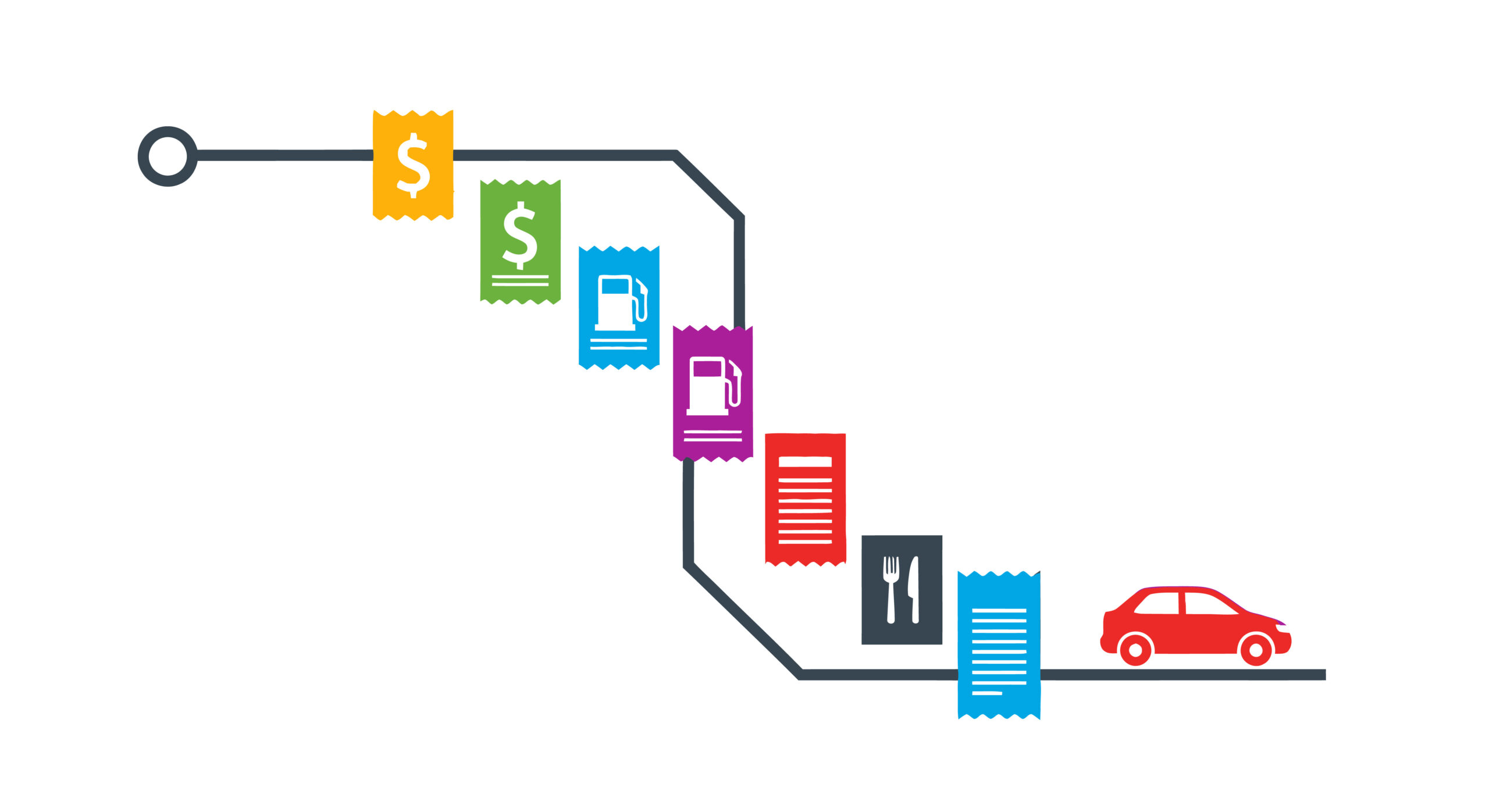

Small Business Owner Expense and Mileage Trackers
As a small business owner you will NOT have long term success unless you are effectively tracking your expenses including mileage. Most small business owners will be using Quickbooks or something like it for their expenses and financial reports. Hopefully you have hired a bookkeeper to handle this data management so you can focus on the activites necessary for your business to be successful.
Even if you have a bookkeeper, you need a method to capture expenses quickly and easily (especially mileage) with enough detail for your bookkeeper to successfully effectively catagorize the details. I personally like Everlance. This software makes it very, very easy to capture expenses and mileage, especially for a self-employed single operator who could be using more than one vehicle for work/personal travel. Install the application on your cellphone although you can access it via your computer. When you turn on automatic mileage tracking, anywhere your phone travels it tracks. You can even have it automatically categorize the trips as work and then just after the fact recategorize the few trips that were personal to that bucket. At the end of the year, you download all the mileage info into an Excel spreadsheet and send it to your bookkeeper. If you are taking a personal trip, just flip the auto tracking off (or set the default tracking to personal) and only the “work” related travel is reported. The expenses are even better. Anything under $75 dollars just enter the amount, date, category, and store. For over $75 (or anything where you need the details) you can attach an image of the receipt. Very useful for meals with part of the bill including alcohol. If you have a client attending, just write every person’s name on the back of the receipt and include a picture of it. You have everything recorded WITH DETAILS for your bookkeeper before you even leave the table. Again, just download to Excel and send to your bookkeeper on a regular schedule.
Besides Everlance some other really good options are:
- MileIQ – good option if you just need to capture mileage
- TripLog – great for multiple vehicles/drivers
- Stride – this is free but keep in mind that because it is free it will have some significant limitations
- Quickbooks Mileage Tracker – great for those small business owners who are already using Quickbooks & doing their bookkeeping themselves
Everyone always asks about using AI. First of all, most of the above mentioned tools have AI built into their system. This is why you don’t have to nuance the details because the AI powered application is capable of making reasonable deductions about an expense. It will integrate tools like GPS and road map information to calculate acturate mileage about your trip. It will then, based on just a little bit of data from you, determine the what can be deducted and at what rate from taxes including all the supporting necessary details. Everlance for example knows the difference between driving vs. walking and only includes travel that is at a speed and on roads to suggest vehicle movement.
Business owners need to be working smarter, not harder. Using technology to effectively and efficiently capture expense information already in a format needed for reporting purposes is a prime example of how to ensure you are focusing on the tasks that grow your business and not the admin that can be done by tools or someone else. Give me a call/text/email if you want some help setting something like this up.
Discover more from Patricia IT Services
Subscribe to get the latest posts sent to your email.
