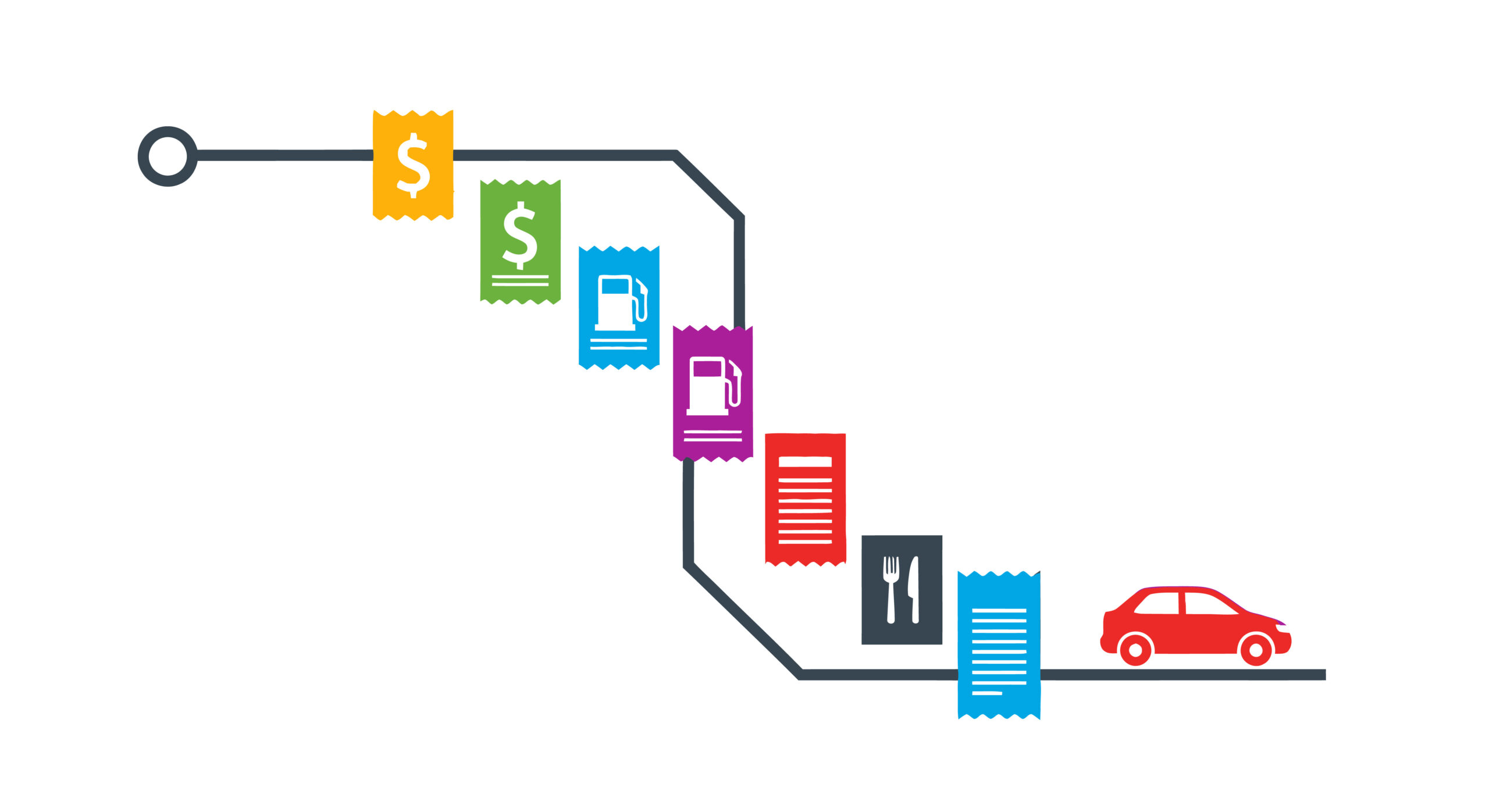
Mileage and Expense Tracking

Small Business Owner Expense and Mileage Trackers

As a small business owner you will NOT have long term success unless you are effectively tracking your expenses including mileage. Most small business owners will be using Quickbooks or something like it for their expenses and financial reports. Hopefully you have hired a bookkeeper to handle this data management so you can focus on the activites necessary for your business to be successful.

Even if you have a bookkeeper, you need a method to capture expenses quickly and easily (especially mileage) with enough detail for your bookkeeper to successfully effectively catagorize the details. I personally like Everlance. This software makes it very, very easy to capture expenses and mileage, especially for a self-employed single operator who could be using more than one vehicle for work/personal travel. Install the application on your cellphone although you can access it via your computer. When you turn on automatic mileage tracking, anywhere your phone travels it tracks. You can even have it automatically categorize the trips as work and then just after the fact recategorize the few trips that were personal to that bucket. At the end of the year, you download all the mileage info into an Excel spreadsheet and send it to your bookkeeper. If you are taking a personal trip, just flip the auto tracking off (or set the default tracking to personal) and only the “work” related travel is reported. The expenses are even better. Anything under $75 dollars just enter the amount, date, category, and store. For over $75 (or anything where you need the details) you can attach an image of the receipt. Very useful for meals with part of the bill including alcohol. If you have a client attending, just write every person’s name on the back of the receipt and include a picture of it. You have everything recorded WITH DETAILS for your bookkeeper before you even leave the table. Again, just download to Excel and send to your bookkeeper on a regular schedule.

Besides Everlance some other really good options are:

  • MileIQ – good option if you just need to capture mileage
  • TripLog – great for multiple vehicles/drivers
  • Stride – this is free but keep in mind that because it is free it will have some significant limitations
  • Quickbooks Mileage Tracker – great for those small business owners who are already using Quickbooks & doing their bookkeeping themselves

Everyone always asks about using AI. First of all, most of the above mentioned tools have AI built into their system. This is why you don’t have to nuance the details because the AI powered application is capable of making reasonable deductions about an expense. It will integrate tools like GPS and road map information to calculate acturate mileage about your trip. It will then, based on just a little bit of data from you, determine the what can be deducted and at what rate from taxes including all the supporting necessary details. Everlance for example knows the difference between driving vs. walking and only includes travel that is at a speed and on roads to suggest vehicle movement.

Business owners need to be working smarter, not harder. Using technology to effectively and efficiently capture expense information already in a format needed for reporting purposes is a prime example of how to ensure you are focusing on the tasks that grow your business and not the admin that can be done by tools or someone else. Give me a call/text/email if you want some help setting something like this up.
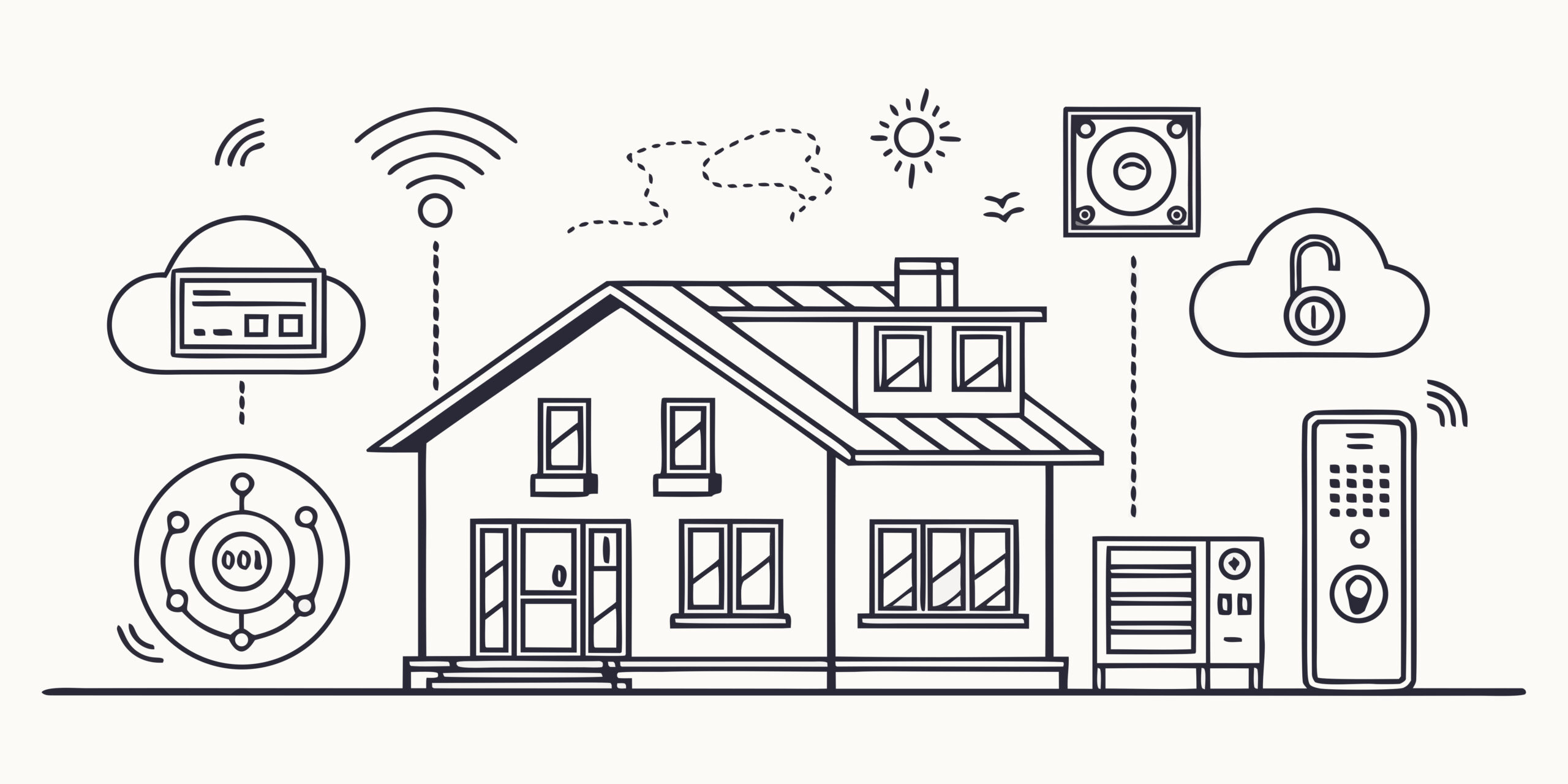

Smart House Maintenance — Have You Done Yours?

Almost everybody at this point has some smart home technology in use. In order to keep everything in good working in order, you need to do some general maintenance.

  • Solar Panels/Tiles — Have you done your annual cleaning? Solar panels typically see reductions around 7% and as much as 20% just because of dirt! That is just money you are throwing away. Using a garden hose to spray them with water is NOT cleaning the panels. Popular Mechanics has a good article about this issue, but I always recommend you hire a local professional to clean and inspect your panels. They can help you find problems proactively.
  • Garage Door Opener — How old is your garage door opener? Most of us have a pad we can type in a code to open the garage on the outside of the garage building. If it is old, the encryption on it is not secure which means any thief with a bit of technology has access to your garage and possibly your home. Review your setup. Have it inspected to make sure it is in good working order, secure, etc… You don’t have to replace the entire door to upgrade the opener and associated controls.
  • Cameras — Have you checked all your cameras lately? If you never look at them, at least once a year you should review all the camera feeds to make sure the alerts are working correctly, nothing needs to be adjusted, and recording is happening as you expect. This is a great time to review your setup and see if you have some blind spots that need coverage, or if you want to upgrade/update some technology.
  • Home Wi-Fi — When is the last time you looked over your home Wi-Fi setup. If you have not changed the password in more than a year, it is time to update. Make sure you have automatic updates turned on for firmware. Remember, when you change your Wi-Fi information, you will need to go through every device in your home that uses the Wi-Fi and remove the old network and add the new name/password information. This is really important because the longer it remains unchanged, the more time a bad operator has to “hack it”. Don’t give that nosy neighbor the opportunity to make your life difficult.
  • Household appliances — At least once a year you should go through all the robot vacuum cleaners, smart refrigerators, Wi-Fi enabled washer machines and check the settings, see if firmware updates are needed, and in general “kick the tires” to make sure everything is working the way you want. Quite often you will have turned notifications off and maybe missed something like a filter change reminder.
  • Review local government programs — take the time once a year to look at your insurance, city, state, and utility websites to see if they have any green or smart technology rebates. This allows you to make informed decisions throughout the year about replacements and updates so you don’t just leave money on the table.

Especially the Wi-Fi changes can feel overwhelming with the number of devices that will be impacted. Give me a call/text if you want some help keeping your sanity and knowing nothing will be missed!

How Small Business Owners Should Get Started With AI (Artificial Intelligence)?

Are you as a small business owner looking to see how you should get started with AI? You need to start small and work up to real integration with your business processes. The major issue with AI is something called hallucinations — the situation where AI makes up content instead of returning “real” data. Here is an article by IBM that goes into what is in detail.

To start with, you should use AI as your personal virtual assistant. I recommend you use it to “answer questions/lookup content” and include the source of the content. For example, “How should I care for orchids….include source list?” This allows you to review the content sources to make sure it is not something like Onion.com or something that is fake!

Next, you should move to having it help you create content. For example, as a residential realtor, you need to write property descriptions. I can use something like ChatGPT to create this content as a rough draft that I can then polish up before publishing. In the AI, I would ask something like “Write a property description of approximately 350 words using Tom Perry tone for XYZ address. Please include property features (copy/paste list of features).” It will use various public databases and your personalized content to write a description that fits those requirements. Another example…..as a small business owner, if I have some artwork or logo that somebody has created for me, I can upload it into an AI and ask, “What are the CMYK, RGB, HEX, or PMS colors in this artwork file?” An AI will review the artwork and give you the specific colors used. This allows you to create a cohesive branding when doing things like making letterhead, creating a presentation, designing social media posts, etc…..

Now you are ready to start looking at a more integrated or complex usage of AI. This is where you need to start working with an IT professional that specializes in AI. For example, check in with Mike Cruz @ House Reno Profits! He has an AI virtual assistant tool that can be uploaded with your specific company information. We call this “training an AI”. Now this AI can reduce your human employee time spent to answer phone calls by screening out the spam, answering the general questions directly, and redirecting the calls based on content to the specific employee responsible for those types of calls (sales, account questions, product questions, etc…).

Give me a call if you want some help getting starting on your AI journey, or need some help finding the correct AI professional for the specific need you want solved. Tasks that are repeatable are prime candidates for AI. Some examples would be various invoicing/billing tasks, answering phones, responding to social media, responding to some website queries, etc….

Shortcuts, Text Replacement, and Buttons

Computers are EXCELLENT at repetitive tasks. Depending on the complexity of the task and how often you perform, it might be easier and faster to automate the task or set it up with a button to activate.

Keyboard or Mouse Programmable Buttons

These are easiest to use and setup. Some keyboards or mice come with additional physical buttons and software to control them. The most obvious automation is adding an action to a button. For example(s), open website ABC when clicking program button 1…open blank/new email when clicking program button 2…open/start programs or installed application XYZ when clicking program button 3, etc…..

Some hardware options with programmable buttons are:

Some programs/applications on computer or smartphones allow you to set up a customize command to perform a series of tasks in a specific order. Excel is extremely effective at this. For tasks you frequently execute, it can save HOURS of time.

The most universal automation is text replacement. This is done by the operating system of a computer or smartphone. Both Apple and non-Apple hardware have these features. Give me a call if you need some help setting them up.

Example: If you have a typical statement(s) you make all the time that is long to type. You can set it up so you type something like 5 specific letters, and it replaces it. Very useful for something like: “We meet on XYZ date at ##:## AM. Here is the Zoom link, http://abc.xyz.com!” You type 5 letters and the entire sentence appears, including the URL.

Smart Home AI

AI (artificial intelligence) has become the latest “tool” for home automation and smart enhancement. As with any IT upgrade, you have to remember that you are trading privacy for features and functions. For most of us, this is an acceptable trade-off. Remember to consider that something has to have access in order to “respond” when you speak a specific command, function based on camera data, etc…. If you work from home, make sure you consider your industry/work security requirements before install AI or just smart home features. For example, a smart TV that responses to voice commands might not be appropriate in your home office if you have meetings via your computer or in person involving proprietary, government, or other very sensitive client data. Especially if that TV is functioning using a foreign based service.

Combining smart home features and functions with AI can take your home experience to the next level in automation, security, and personal convenience (or frustration if it is not working correctly). Josh.ai (https://www.josh.ai/) is one of the top currently available AI services that specialize in home automation. Chaptech IT (https://www.chaptechit.com/) which is located in Orange County, CA is an amazing service provider for integrating technology in larger estates/properties.

The key to understand is AI is great at responding in a specific way based on specific inputs….especially multiple inputs. For example, a simple technology we are all familiar with is the thermostat. You set it to turn on AC if temperature is greater than X and turn off AC when temperature is lower than Y. A smart thermostat would combine that basic ability with a connection to the internet so you can interface with it via your phone (i.e., when you are not at home), controls so it can decide if AC, heating, or just fans would be the best solution for the temperature specified by the owner, and some basic logic ability to make these decisions. AI would take this to the next level. One example might be integrating skylight controls, windows, and whole house fans into this setup. Now the AI can determine confirm that it is not raining, so the skylights can be opened if needed, entire house fans can be used instead of AC, windows can be opened/closed as needed. Inside and outside temperatures can be monitored so the most energy efficient solution can be selected for the client’s desired home temperature.

This is just a heating/cooling example, but smart technology or combining it with AI can be used for everything from vacuuming floors to pool controls to kitchen appliances to solar/wind power generation. Technology for your home is exploding, and how you enhance your home to improve its value or your experience will become one of the major differences we will see. If you are thinking about making changes or preparing it for selling, you need to think about smart technology. The infrastructure to make it work like wiring is a great upgrade to consider, even if you don’t plan on using it yourself. It enhances the value and gives you options in the future. Anytime you open up walls you should be thinking about if you need to make any changes to water, electrical, insulation, or basically anything that goes inside the wall.

Give me a call, text, reach out via this website; if you have questions and need some help making “smart” decisions!