Most of us are now using the computer, tablet, or cell phone for live meetings or recording video content. One of the primary tools for getting this done is a webcam.
Webcams are typically built into any laptop and all-in-one computer setups. If you have a stand-alone monitor, typically you will purchase a USB connected webcam to set on top. Nothing prevents a laptop user from using a USB webcam, and you may find the picture quality greatly improved because your monitor angle does not directly impact your camera and external equipment is typically higher quality.
I highly recommend those using a stand-alone monitor or a laptop purchase a USB webcam to set on top, even if you have a camera in your laptop. For effective meeting experience, you need to be looking directly at your monitor screen and have the camera position be ABOVE your eye level. If you have a laptop sitting on a desk or your lap, and you look down at it, it will add weight to your features and give many viewers an EXCELLENT viewing angle of your nose hairs! Some options are:
- Logitech webcam with microphone — https://a.co/d/aMnWd65
- Emeet webcam with microphone — https://a.co/d/eSLOr1j
- Pixel Forge webcam with microphone & light — https://a.co/d/09hUtOz
- Insta360 webcam with microphone — https://a.co/d/09hUtOz
All of these models have face recognition technology. Do NOT purchase a webcam that doesn’t automatically focus. You do not want to be adjusting the camera focus point every time you move during a one hour or longer meeting.
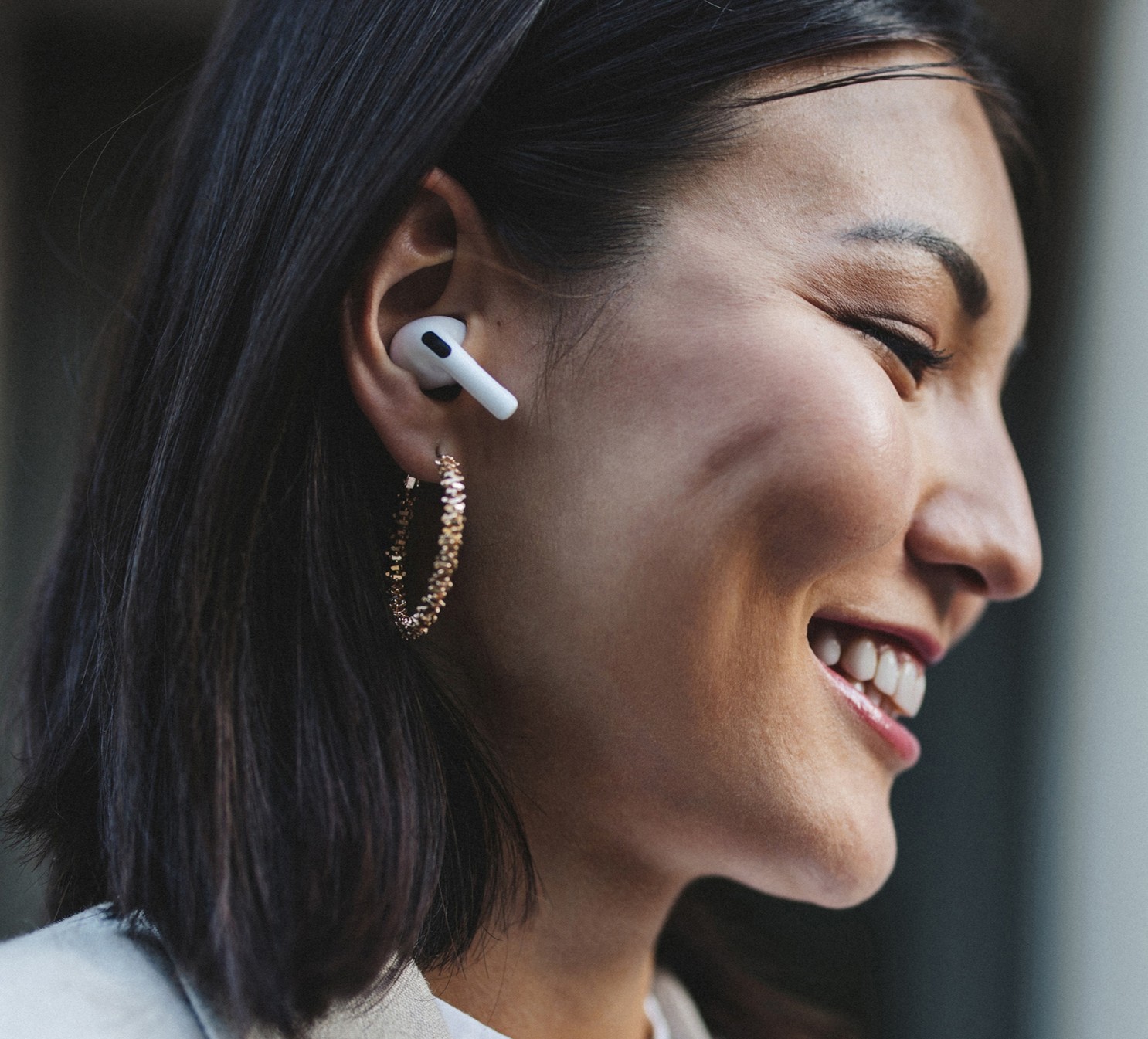
Most webcams have a microphone, which is good if you are in a quiet room with soft surfaces to absorb background noise or echoes. Some even of noise-canceling features. Since most of us cannot guarantee a quiet space for all meetings, I highly recommend investing in some cordless headphones. Even an inexpensive Bluetooth stereo headphones with microphone will normally give you a much better audio than if you just use the built-in microphone or the one in the webcam. This is a necessity if you are using your phone or tablet for the meeting or in a noise space. Some options are:
- 2 ear version — https://a.co/d/3WTr47t
- 1 ear version — https://a.co/d/euBkrBz
- Lightweight, bone conducting (doesn’t block you from hearing outside noise) — https://a.co/d/fGaEOBr
Almost all meeting technology (WebEx, Zoom, Microsoft Teams, FaceTime, etc…) has customizable settings for the webcam and audio. Please take the time to review these features and ensure you have them set to maximize your meeting experience. Depending on your setup, you may find investing in a “light” will improve your video image quality but don’t forget to check your meeting settings. A lot of issues can be resolved, just be adjusting the video and audio settings.
If you need some help recommend the best setup for you and running a few dry runs to make sure it is all working correctly, just reach out!