UPS – What Is It and Why Do I Need One?

UPS stands for uninterruptible power source. Since we live in Southern California and especially as we start to enter the summer season, we will start to experience rolling brownouts. Every time the power grid is impacted, even by a planned rolling blackout, your property will experience a power surge just before the power goes off. Hopefully the surge will be small enough that your only negative impact will be flickering lights before the power goes out. Most homes do not have a whole house battery. This means that when that surge hits, it travels through your property’s internal power grid until it grounds out. During that time anything plugged in that is sensitive to electrical variances can be damaged or at a minimum have a shortened life span. This is why parts of the country that experience lightning storms unplug equipment prior to a major storm. Considering the frequency and short notice you may have for CA rolling blackouts, I recommend any electronic equipment of signicant value be on a UPS or at minimum a power surge protector. Cheap power surge protectors that are typically made of plastic and purchased for $20 or less normally provide no meaningful protection. Good power surge protectors normally include a warranty amount so make sure you keep the information necessary to file an equipment replacement claim.

UPS systems or a whole has battery provide the real protection. Why???? Because the battery acts as a power sink. Batteries are specifically designed to absorb electricity that varies in stength. This allows them to absorb the impact of a surge and discharge a regulated amount to your plugged in electronic equipment. Computers, audio equipment, high end TVs, etc… should be on a UPS. The bigger the battery on a UPS, the longer and more devices it can power during an outage, as well as the larger a surge it can absorb without being impacted.

Whole house batteries, quite often install with solar panels but can also be installed as a stand alone device, provide the same service as a USP device but for everything in your home plugged into any outlet. A UPS only protects the devices plugged directly into it….and it is plugged into a wall outlet.

Here are some UPS device options:

If you have questions about these or other UPS devices, give me a call/text/email and I can find the right solution for you!
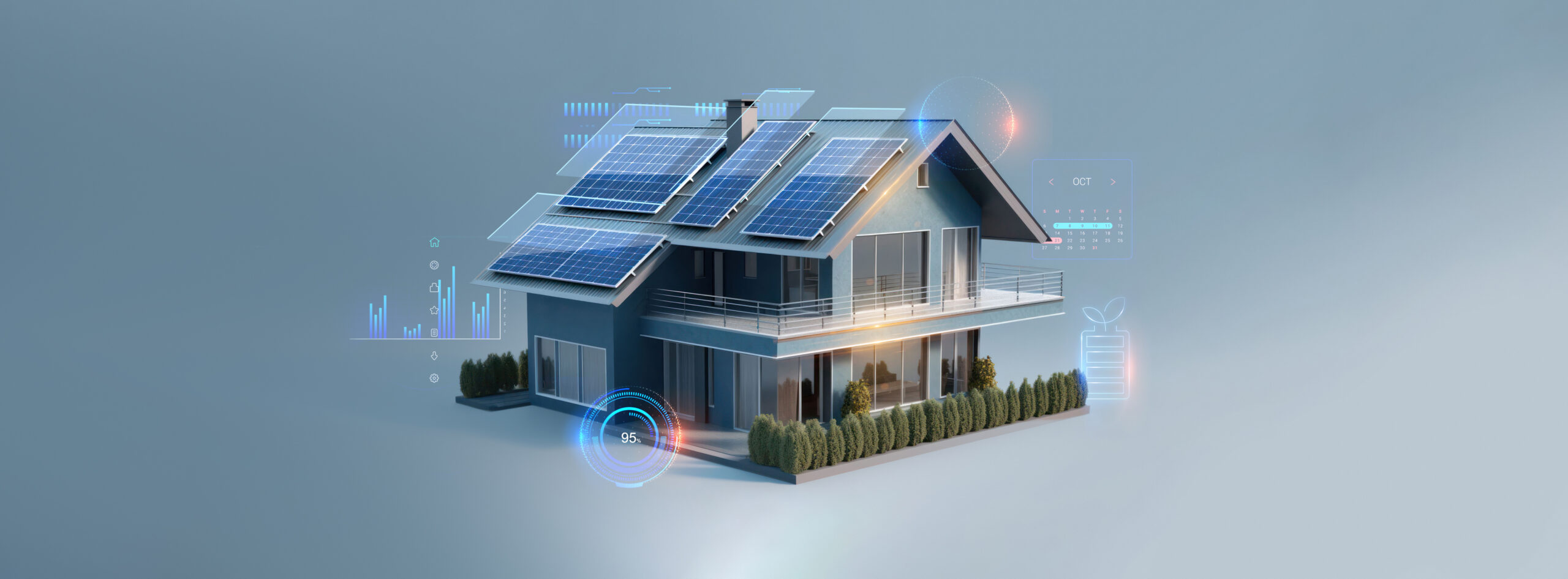
Home Solar/Battery — What Are The Pros/Cons

With the constant increase in energy usage as well as the increasing cost of electricity, homeowners today may find it financially viable to consider adding solar power and a home battery to their residence. Most solar systems will last about 20+ years with little to no additional costs other than installation. A secondary benefit if you include a home battery is your energy independence from the grid. No longer are you impacted during rolling brownouts in the summer months, potentially out of power during a storm, or down when your utility company performs maintenance.

1st — What is your current roof age and associated life expediency? Do not install solar panels with a 20+ year life on a roof with significantly less life remaining. You cannot replace a roof without removing the panels. Depending on your panel age and construction techniques used for attachment, it may not be viable to reinstall the panels.

2nd — What are your climate characteristics (i.e., amount of sun exposure), roof orientation, and size? West and south facing roofs have the greatest amount of sun exposure, and California in general is a very good climate for solar power. New panel technology is much more effective at capturing energy from indirect sunlight or cloudy days but still not as efficient as panels with optimal orientation and climate.

3rd — What are your plans for this residence? Solar panels typically increase the value of a home but not as much as they cost, therefore you need to ensure you will own this home long enough to see a return on your investment. Another consideration is lease (some are transferrable and some are not) vs. buy (some loans are transferrable and some are not). When you are selling your home if a lease (that is not transferrable) or loan (that is not transferrable) is involved, you will be required to pay off the panel system at the time of sale. If it is a lease or loan is transferrable, the new homeowners may not want or be able to assume the lease/loan. Lease systems typically have requirements about utility providers and energy rates. Make sure you are aware of all the lease or loan requirements so you are not surprised.

4th — What is your lifestyle currently and in the future? Do you own an electric vehicle? Do you plan to own one during the time the panels will be active? What is your current home energy usage? Do you have a pool (i.e., pump running 24/7)? How many heavy energy products are you using? How often do you experience power interruptions that are negatively impacting your life (i.e., loss of cooling during heat wave events, interruption to home business, inability to perform tasks as home due to power loss, etc….)?

5th — Cost? Once you know your current and future planned energy usage, you need to evaluate how much energy should the panel system generate vs. how much it costs to install it. Remember, unless you install a home battery, you will NEVER use the power directly. All panel generated power must first be transferred to your utility company (and they charge a transport fee per kWh). If you have a home battery, most systems are set up to use the panel power from the battery first and only supplement from your utility company if there is a shortfall. With a panel only system, you will be “dead” anytime your utility electricity is out. Considering these facts, most homeowners will need to install at least a home battery that will cover their needs for 24–48 hours in order to maximize their benefits.

6th — Panel system manufacturers going out of business. Most manufacturers will not work or provide parts for any system other than their own. If they go out of business, any warranties will be void and the system may not be repairable.

7th — HOA and local covenant requirements. While California is very pro solar, your HOA or other local requirements may prohibit some systems, especially if they will not be considered aesthetically pleasing.

I recommend you research and get quotes from more than one company. Each will have various pros/cons but make sure you also review their current public financial information. In California due to issues with Sunpower (https://www.cnet.com/home/energy-and-utilities/sunpower-a-major-solar-installer-went-bankrupt-what-now/) many homeowners are experiencing some real horror stories that can significantly impact their ability to sell their property or make repairs to the panel system. Cnet (https://www.cnet.com/home/energy-and-utilities/california-solar-panels/) has done some very good research about current providers by zip code.

If you are replacing the roof at the same time, make sure you review the new roofing options that incorporate solar. GAF makes a solar shingle (https://www.gaf.energy/timberline-solar/) product that will resolve most concerns about aesthetics as well as it is installable by regular roofers (i.e., it doesn’t have to be a solar installer specialist). Tesla’s solar roof (https://www.tesla.com/support/energy/solar-roof/learn/why-solar-roof) is pricey but comes in a tile format that is very low visibility. Both systems are very durable with excellent ratings.

UPS — What Is It and Do I Need One?

UPS stands for Uninterrupted Power Supply. This can be VERY useful for most computer/laptop users. Some benefits are:

  • A UPS includes a very large battery, which means it is a far more powerful surge protector than anything you normally would use as a plugin adapter.
  • If your power fluctuates (i.e., the lights flicker or go out), your equipment experiences a surge of power (normally small) before the flicker/outage. This surge places additional wear and tear even if everything remains functional and will cause early death of your electronics equipment.
  • If you are working from a desktop or server, having a UPS will give you time to shut down your equipment in a controlled manner. This prevents data loss or corruption.
  • If you don’t need internet access, a UPS can keep your work environment fully operational for short periods of time.

I recommend that all laptops, desktops, servers, etc… should be on a UPS. Expensive equipment that are sensitive to power fluctuations (Example: TVs) should be on a very robust power surge or a UPS device. If you live in an area with significant storms and/or unstable power, whole house surge protectors and lighting rods will save you significant many in repairs. In California, rolling brownouts all have a small power surge, even if they are done on purpose. The power surge can damage sensitive equipment like electronics.

How large a UPS should I buy? This depends mostly on 3 considerations:

  • How much money you want to spend?
  • How much power/electricity the equipment you will plug into it will draw/need?
  • How long do you want it to run when power is out?

Here are some currently on the market UPS devices of various strengths:

Give me a call if you require some help figuring out the “right” solution for your situation.